Steps for deploying
To make your own deploy of the website, it is necessary do the following steps first:
After training, verify the logs from
logs\model_trainto make sure the model was properly saved in the S3 bucket.Create a branch for the specific dataset version in use:
git checkout -b branch-vA.B.C
Then, add the changes, commit and push branch to origin
git add .

git commit -m "changes"

git push origin branch-vA.B.C
This will activate github workflow that will do all the necessary steps for a smoth deploy! Go to the section Actions in the repository webpage to see all the details from the workflow. To understand more about the CI/CD process for this project, see scripts.

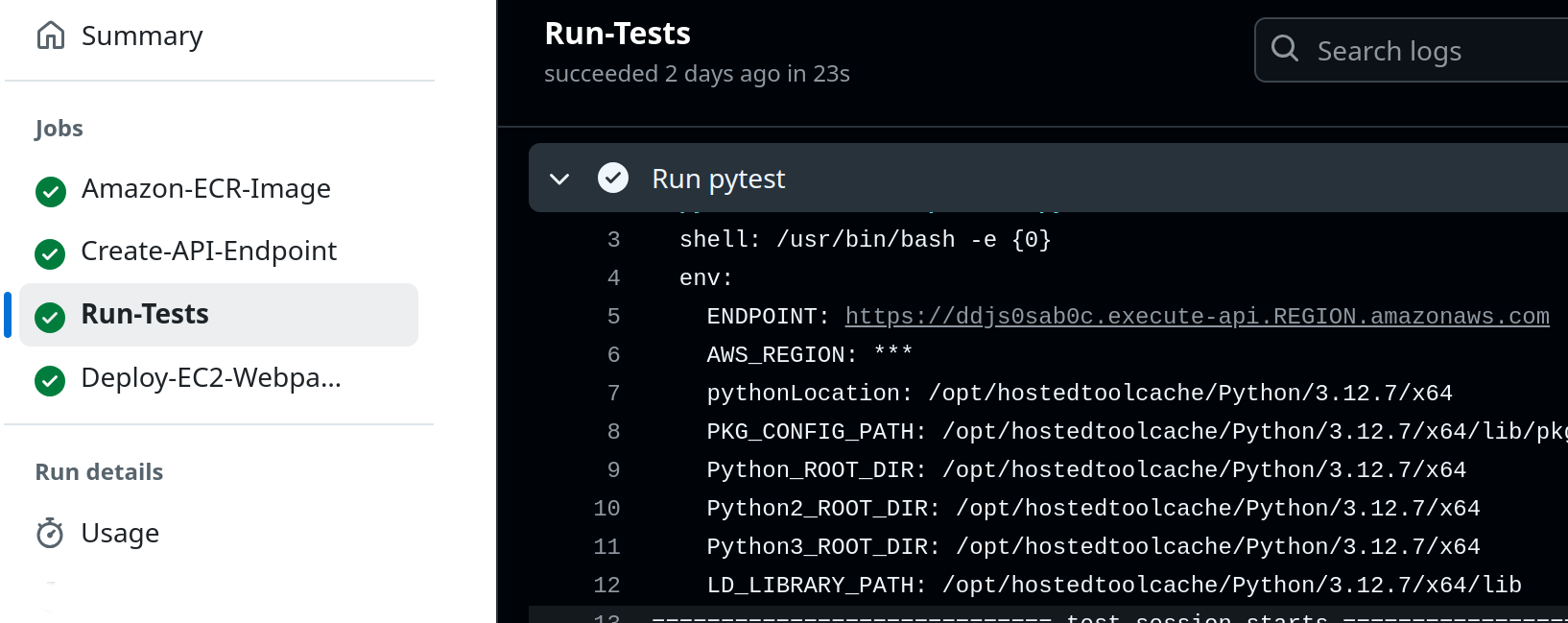
Go to the job Run-Tests to find the API Endpoint. REGION is the AWS_REGION for secrets.
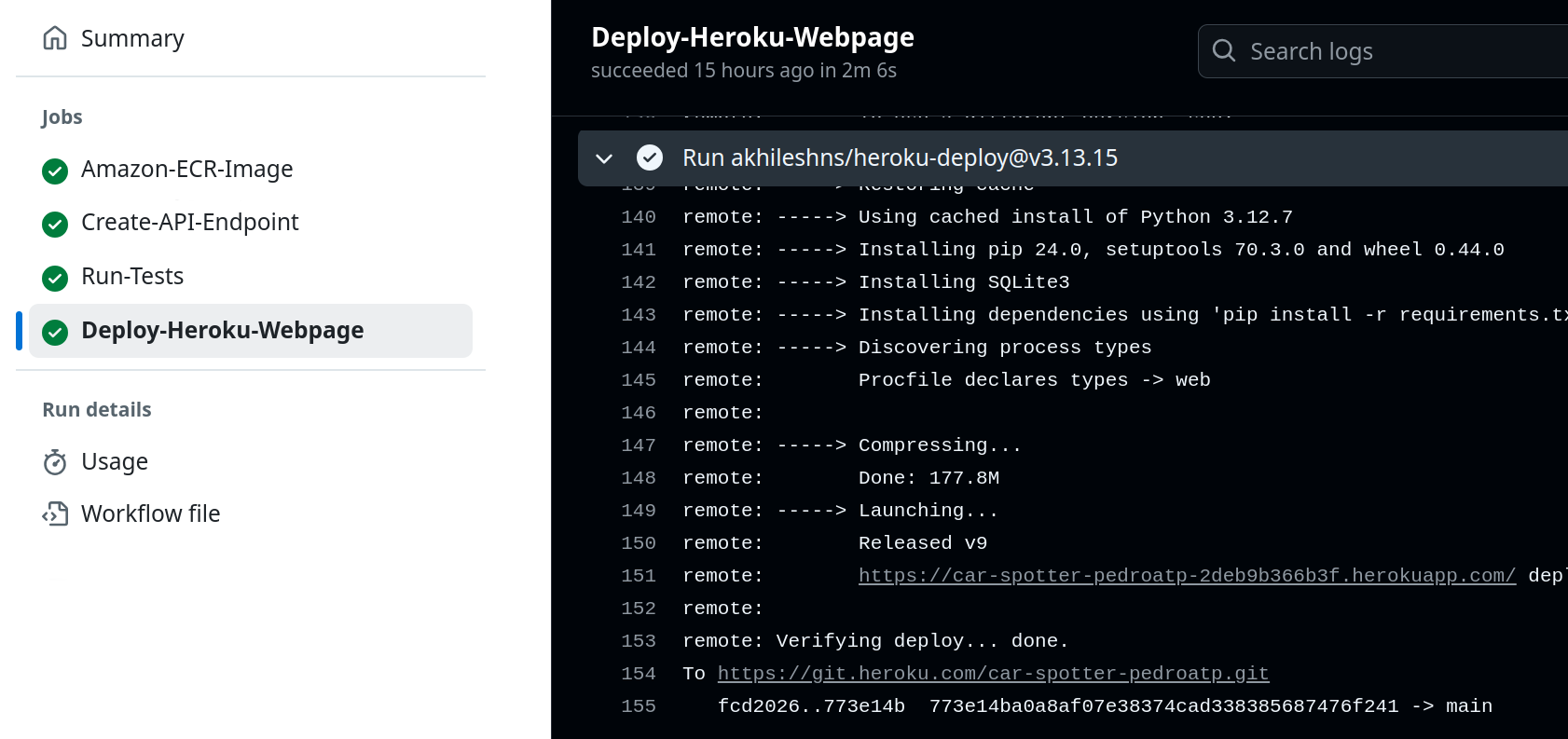
The URL for the heroku application can be found in:
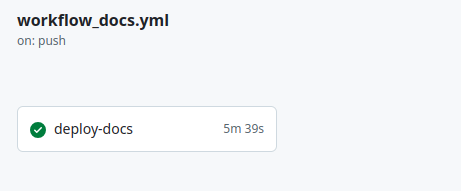
If you would like to do changes on the documentation, it is necessary to do a push directly to the main.
git add .

git commit -m "Doc changes"

git push origin main
The URL for the documentation will be a github page in your account.
After deploying you might want to see the logs from the lambda function. To do that, use the script “logs/see_logs_lambda.py”
python3 logs/see_logs_lambda.py --lambda_name lambda-project-car-detection